
Compound Path - Make and Release
The makeCompoundPath method is used for making compound paths from tagged artworks.
The releaseCompoundPath method is used for releasing tagged compound paths.
The current Tools editor uses the combined compoundPath method and writes mode:make or mode:release. Make can assign tags to the combined result. Release can assign numbered tags with seriesTag and seriesStart.
To prevent the methods being applied to a row, inside the method, leave the tagSearch value blank or set it to "" or use either the generic * property and set the cell value to false or the generic skip property and set the cell value to true.
See the Compound Path Tool for the visual Make and Release editors.
Compound Path Properties
| Mode | Description |
|---|---|
* | Set to false if you want the method to be skipped in a particular row. Valid Values: true or false |
mode | The operation used by the combined compoundPath method. Valid Values: make, release |
seriesStart | The first number appended to seriesTag when released paths receive numbered tags. Sample Values: 1, 5, 11 |
seriesTag | A tag prefix applied with increasing numbers to paths produced by Release. Sample Values: part, logoPath |
skip | Set to true is you want the method to be skipped in a particular row. See * and Skip for details. Valid Values: true or false |
tagSearch | The tag search of the tagged artwork to make a compound path from, or the compound path to release. Sample Values: eyes | nose | mouth | ears, face |
tags | A list of Darty tags applied to the compound path produced by Make. Sample Values: compound, output, logoCompound |
Example Spreadsheet and Screenshots
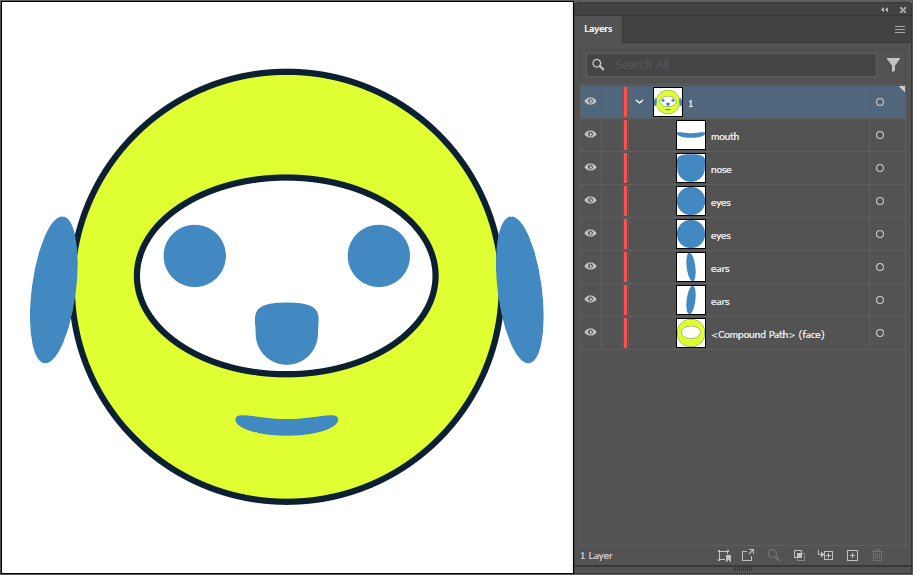
Original Document State
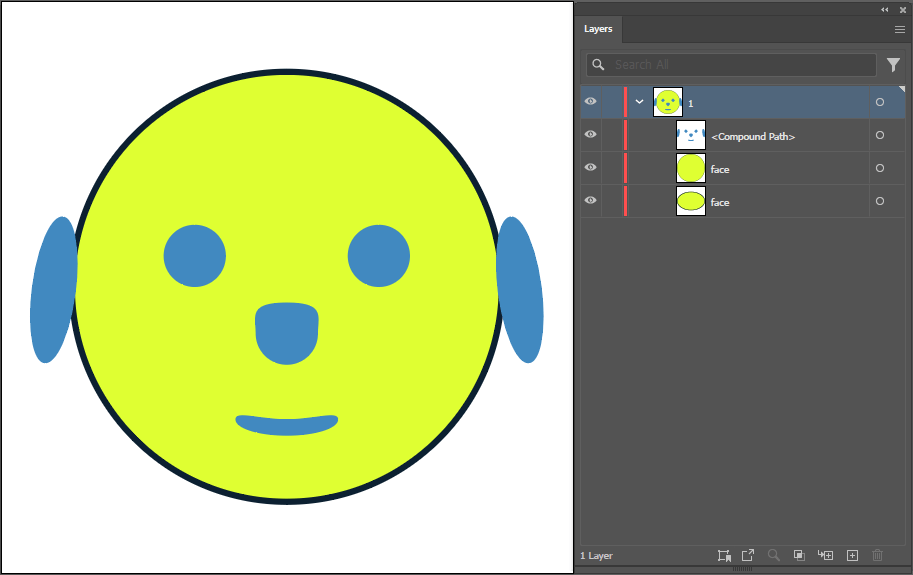
Row - 1: Compound Path created from multiple tagged shapes.
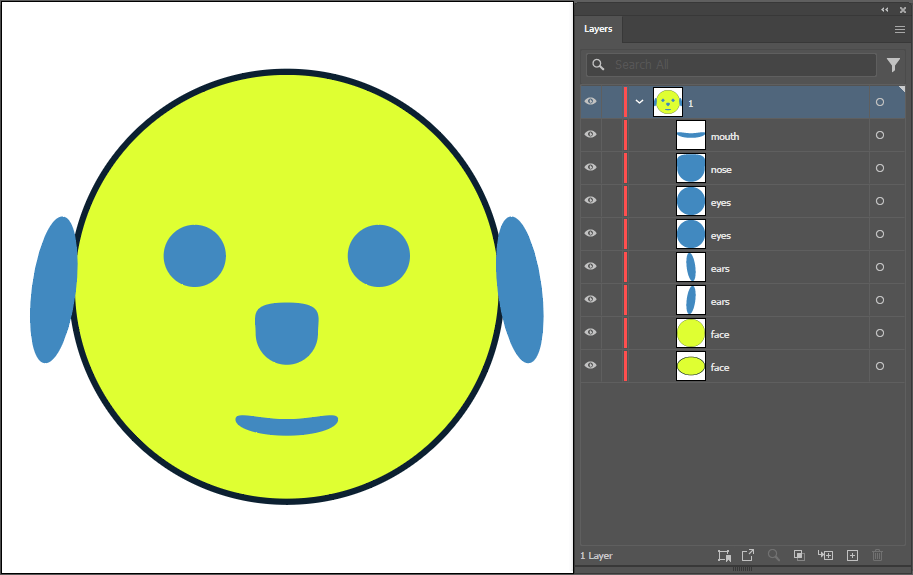
Row - 2: makeCompoundPath is set to FALSE, ignoring the operation; while the compound path tagged as "face" is released.
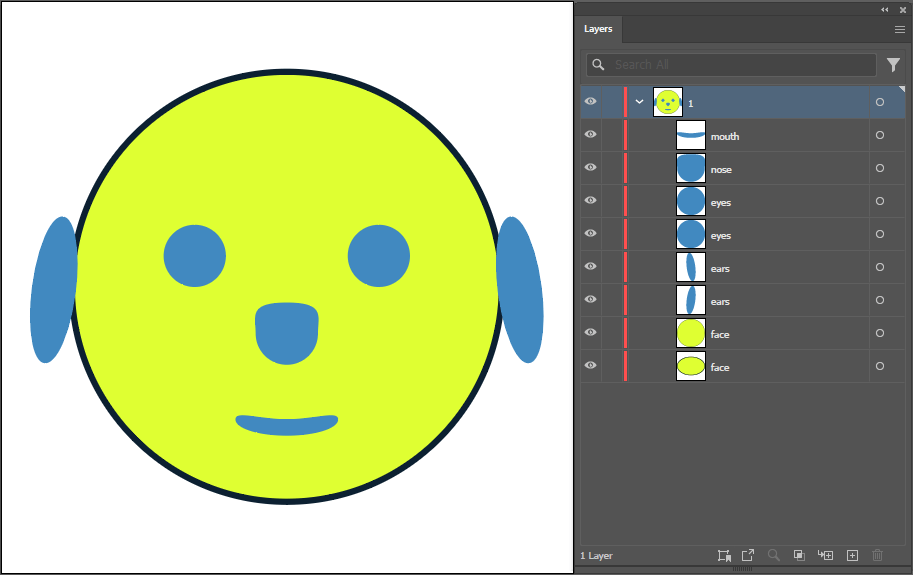
Row - 3: the skip parameter formakeCompoundPath is set to TRUE, ignoring the operation; while the compound path tagged as "face" is released.
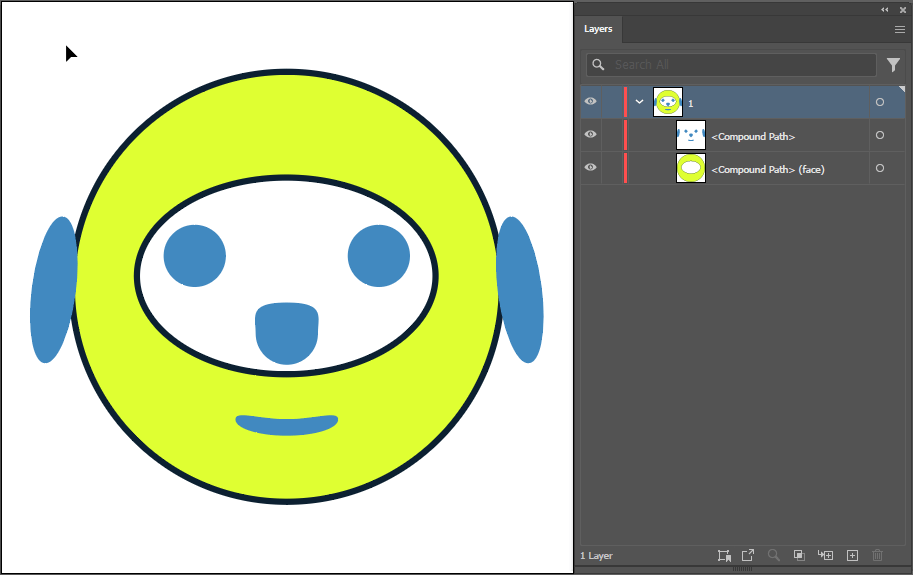
Row - 4: with both makeCompoundPath and releaseCompoundPath parameters empty, the makeCompoundPath creates the compound path while releaseCompoundPath is ignored.
| eyes | nose | mouth | ears | comment | ||
| makeCompoundPath | releaseCompoundPath | ||
| * | skip | tagSearch: face | * |
face | Both the makeCompoundPath and releaseCompoundPath methods will be applied | ||
| false | face | The makeCompoundPath method will be skipped | |
| true | face | The makeCompoundPath method will be skipped | |
| "" | The releaseCompoundPath method will be skipped |