
Reduce To Basic Appearance
The reduce method removes effects and extra strokes and fills from tagged artwork, returning it to its basic appearance.
In a hand-authored sheet, an explicit blank tagSearch property value can prevent the method from using a broader target inherited from the header. In the Tools editor, however, blank Artwork Tags is normalized to the header target *; use the three-state Skip checkbox when a captured Tools row should not run.
See the Reduce Tool for the visual editor.
Example Spreadsheet
| * | blob | ||
| reduce | skip | comment | |
| tagSearch | * | * | |
| star | All artwork tagged star or blob will be reduced | ||
| star | false | Only the star will be reduced | |
| star | true | Only the blob will be reduced | |
| "" | Only the blob will be reduced, this would work even if a default star tag was provided in the header's tagSearch property cell |
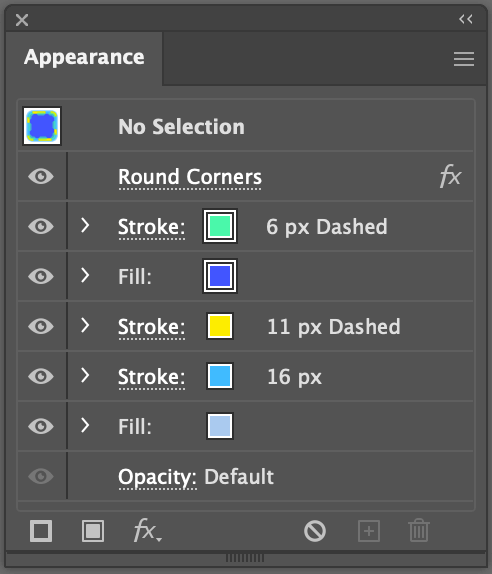
Original Layer Panel
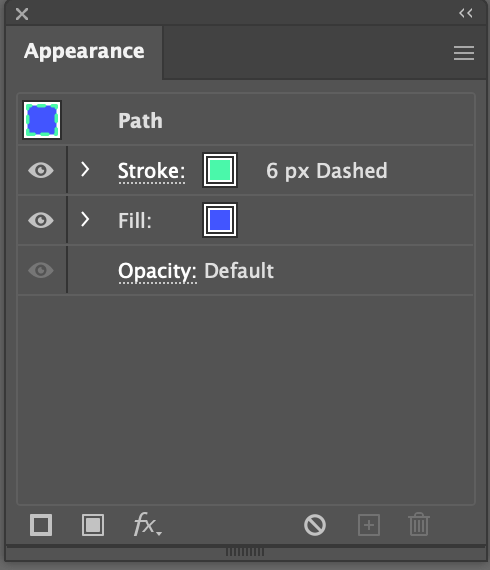
Layer Panel After Applying reduce
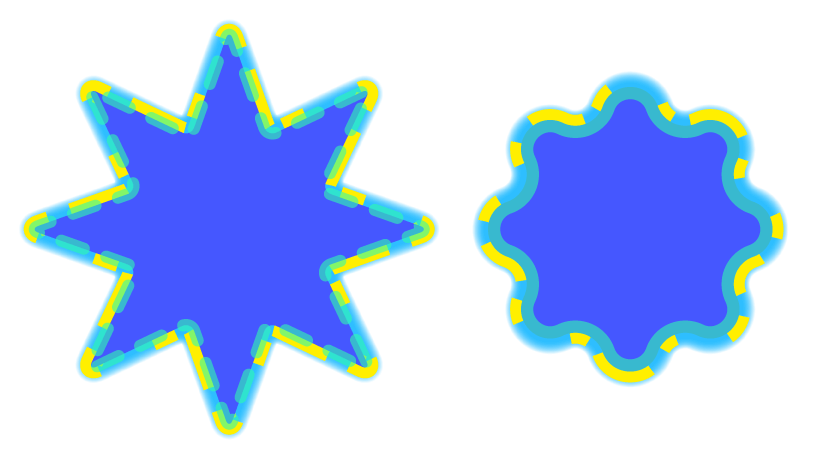
Original Artwork
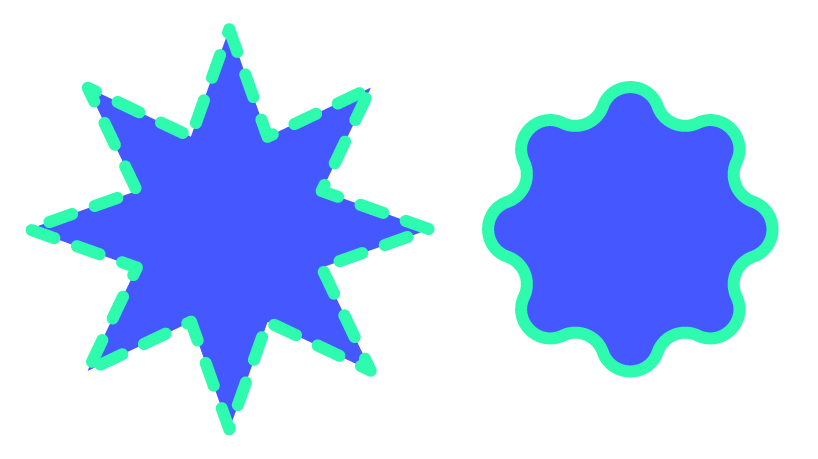
Artwork After Row 1
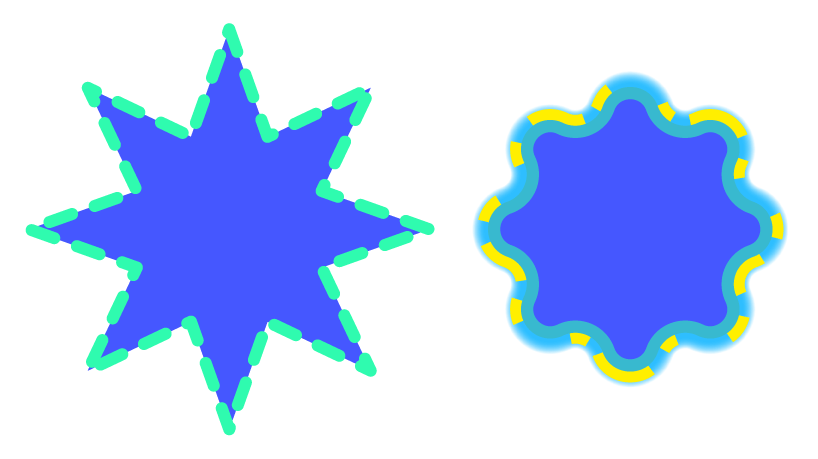
Artwork after Row 2
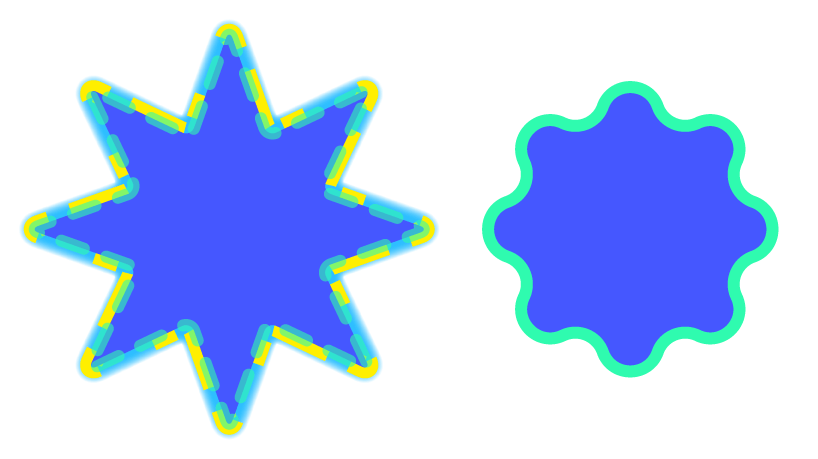
Artwork After Rows 3 & 4
Reduce Properties
| Mode | Description |
|---|---|
tagSearch | The tag search of artwork to reduce. |
* | Set to false if you want the method to be skipped in a particular row. Valid Values: true or false |
skip | Set to true is you want the method to be skipped in a particular row. See * and Skip for details. Valid Values: true or false |