
DocumentationDocumentation
Darty.ai
Get Started
Basics
Methods
Colors
UI
Workflows
Darty.ai
Get Started
Basics
Methods
Colors
UI
Workflows
  • Get Started

    • Installation and Login
    • Your First Darty Document
    • Installers - Instructions and Downloads
    • Licensing
  • Basics

    • Darty Basics
    • Darty Header
    • Darty Tags
  • Methods

    • Darty Methods
    • Align
    • Appearance - General
    • Appearance - Colors & Swatches
    • Appearance - Effect Properties
    • Artboard Methods
    • Arrange
    • Attributes
    • Clean Document
    • Clipping Mask Make and Release
    • Color Mode
    • Compound Path - Make and Release
    • Distribute
    • Duplicate
    • Expand
    • Fit To Bounds
    • Group & Ungroup
    • Layer Methods
    • Outline
    • Pathfinder
    • Place
    • Rasterize
    • Reduce To Basic Appearance
    • Remove
    • Swatch Methods
    • Tags Methods
    • Text
    • Transform Methods
    • zOrder
    • Skip and *
  • Colors

    • Color Libraries
  • User Interface

    • Darty User-Interface
    • Tags Tab
    • Data Tab
    • Export Tab
    • Settings Tab
    • Help Tab
    • Export Settings
    • Export Validation
    • Job Export Settings
    • Export Counter Variables
    • Export Progress
    • Export Presets
    • Recent Files
    • Color Dialog
  • Cloud Data

    • Darty-Ai Cloud Data Integrations
    • Darty-Ai with Google Sheets
  • Workflows

    • Darty Workflows
    • Darty Preview
    • Darty Export Workflows
    • Darty Data Workflows

Welcome to Darty-Ai

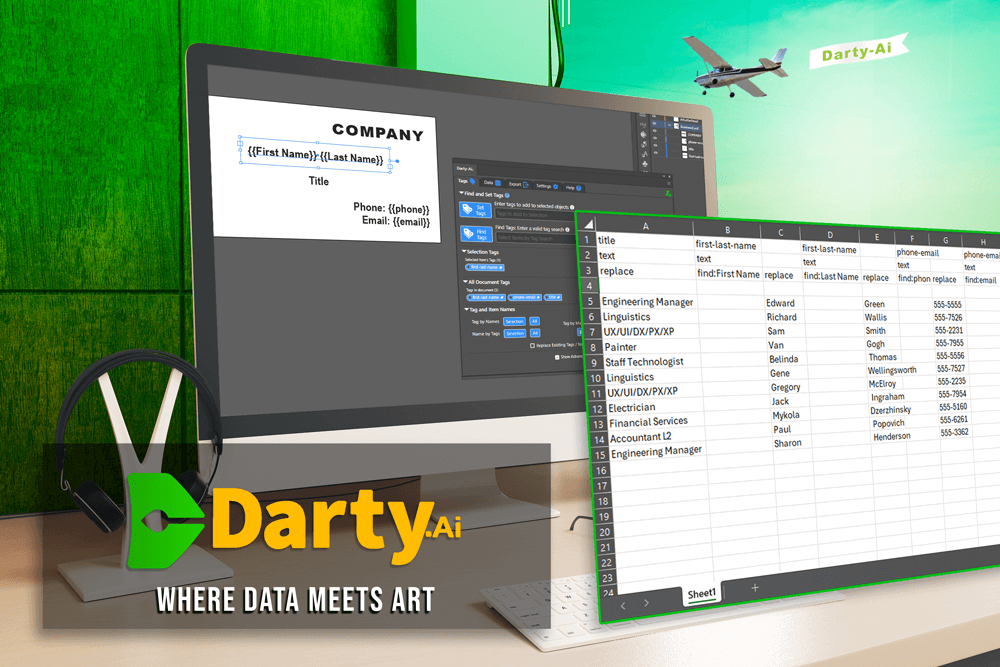
Darty-Ai: Where Data Meets Art

Darty-Ai brings spreadsheet-driven control to Adobe Illustrator, with a vast library of methods that mirror and extend Illustrator’s UI for easily automating complex design workflows.
Generate, modify, and export artwork at scale with precision.

With Darty-Ai, you can use spreadsheet-based commands to dynamically modify document content. You can also save custom configurations as Presets, enabling effortless reuse and a more efficient workflow.

Getting Started

Unbox, and get up-and-running with your copy of Darty-Ai.
Read the installation and activation steps here.

Read the Basics

Dive into the Darty-Ai fundamentals with this detailed starting section.

Learn the Darty Methods

Explore the available Darty-Ai methods in our descriptive Methods section.

Browse the Colors

Darty-Ai comes with a color-library management module, read all about the colors here.

Get familiar with the UI

See detailed explanations of the Darty-Ai user-interface here.

Explore Darty-Ai Workflows & Techniques

Check out both basic and advanced ways to achieve various goals and solve creative production problems with help of the Darty-Ai Workflows.

Installers

Download links to all Darty-Ai installers for Mac and Windows operating systems.

Last Updated: 3/17/26, 2:19 AM
Contributors: Trevor